
Contact Us
Contact Us
|
Characteristics of customer management system |
|
|
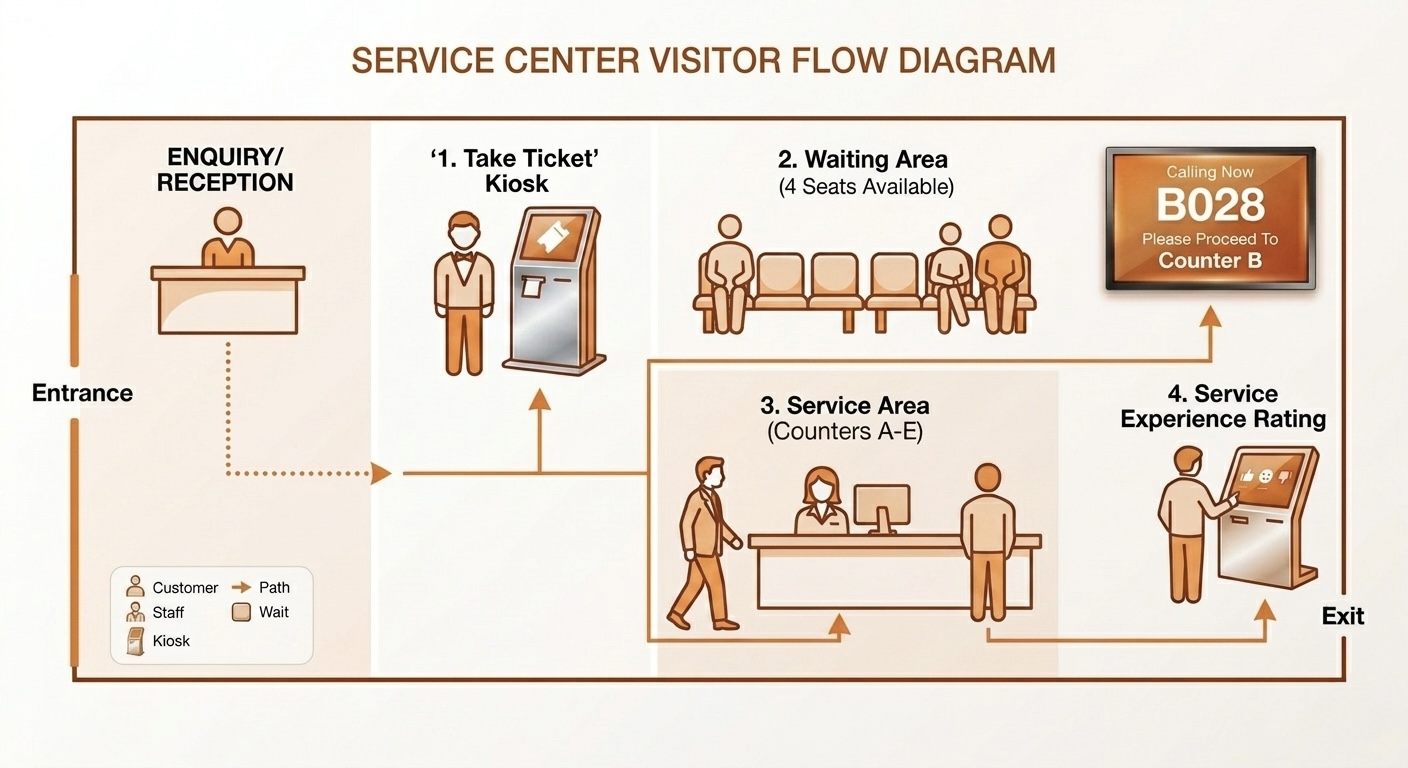
The Queue Management System provided by Opentech is a fully Wi-Fi-enabled electronic system designed to manage customer waiting times. It assigns specific dates and times to customers and visitors, facilitating operations, improving service efficiency, and enhancing customer satisfaction by reducing waiting times. This system is ideal for crowded locations such as government agencies, banks, lounges, service centers, and more.
|
|
|
|
|
kiosk machine
The queue-management kiosk consists of a touchscreen and a printer. The touchscreen displays the services offered by the organization, and service lists can be managed through the control panel. Users can select a service in English, Arabic, or any other configured language.
|

|
|
Customer management system
The Customer Management System developed by OpenTech uses a robust software architecture based on standard network principles, supporting reliable operation and straightforward maintenance. Key system components include:
|
|
|
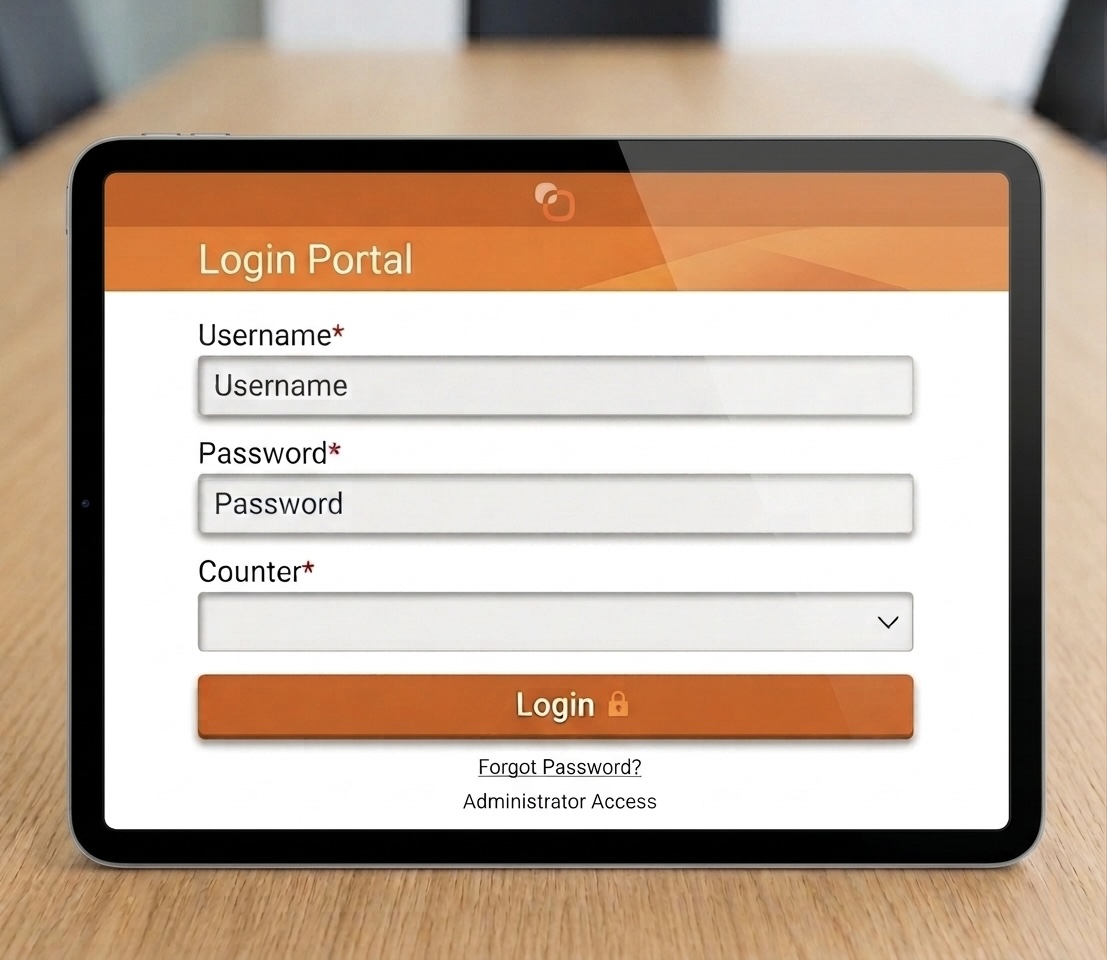
Each employee uses their own username and password to access the system. After logging in, the system interface and its functions are customized based on their work permissions. |
|
|
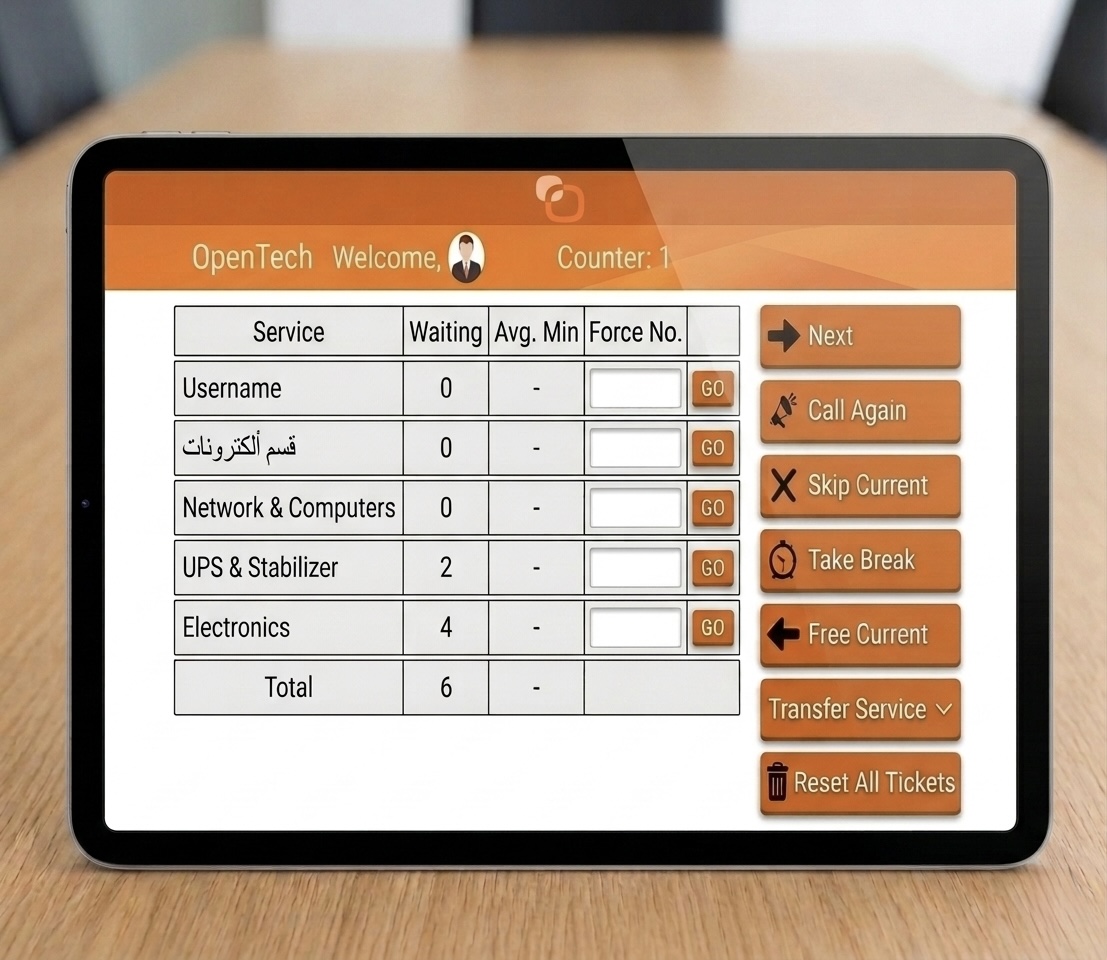
The following are the main functions that we offer to employees while they wait for customers:
|
|
|
Display screens for waiting customers
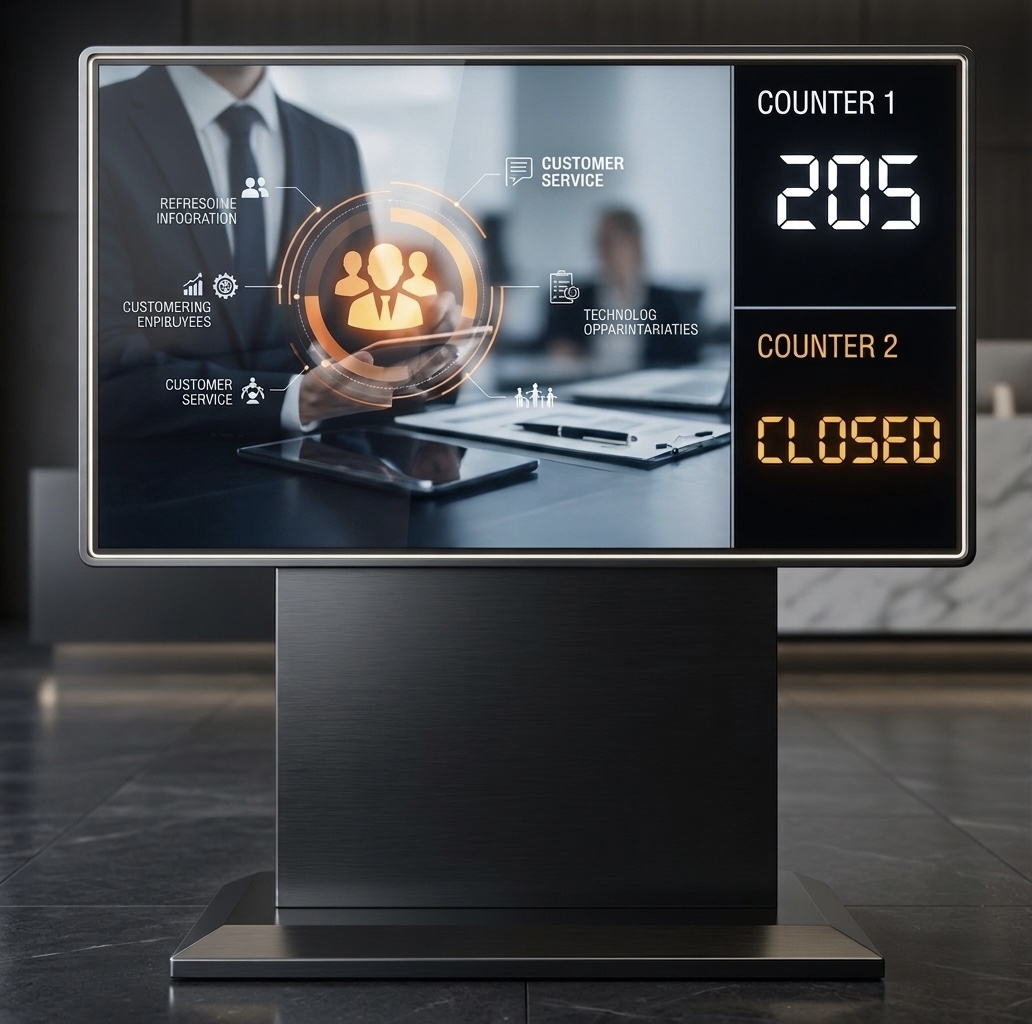
Display screens show the ticket numbers being served at each service window. The size and number of screens depend on the customer location. Large screens are typically used in waiting areas, while smaller screens can be installed at individual service windows. |
|
|
Employee wind panels Each service window can be equipped with an identification display showing the current ticket number together with the window number, helping customers identify where they should go. |

|